
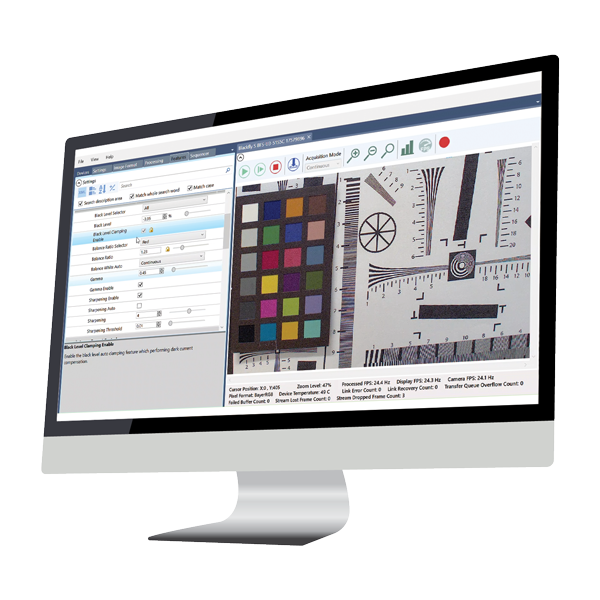
サポートされているプラットフォーム:Windows / Linux Ubuntu / Linux ARM / MacOS
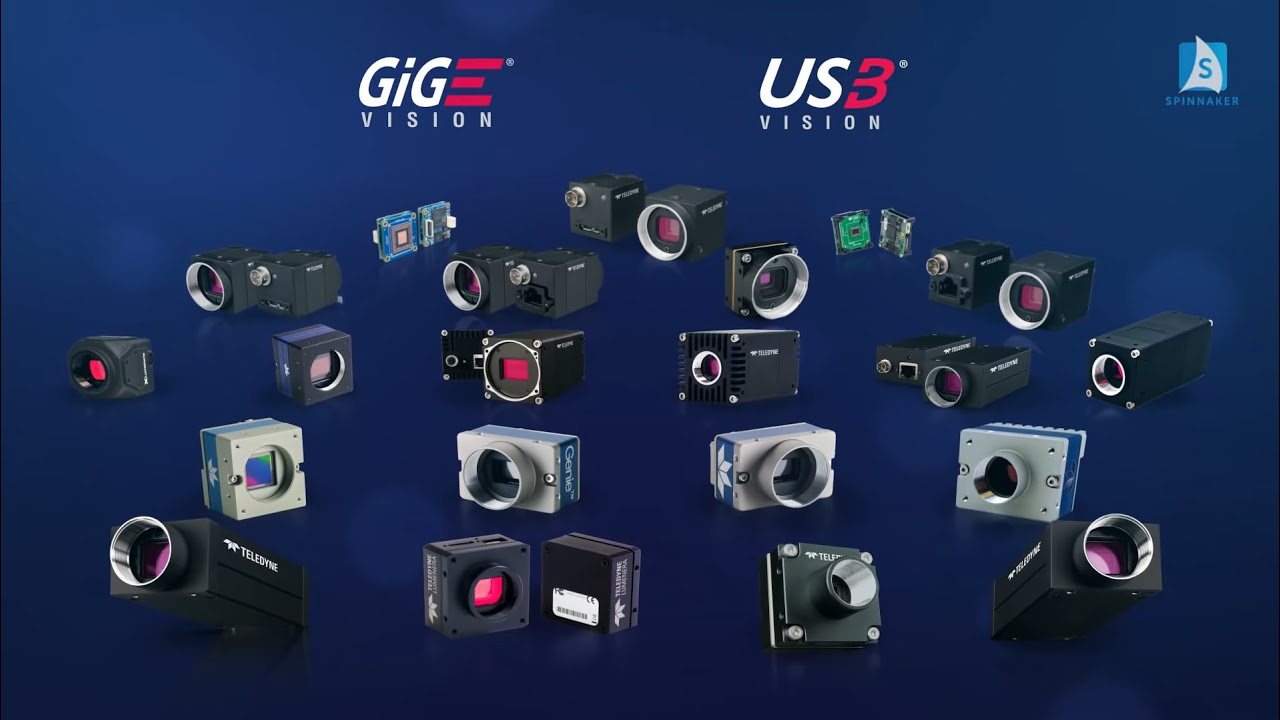
画期的な改善
システムパフォーマンスを保証しながら、CPUストレスを軽減し、カメラを迅速に検出して初期化します。
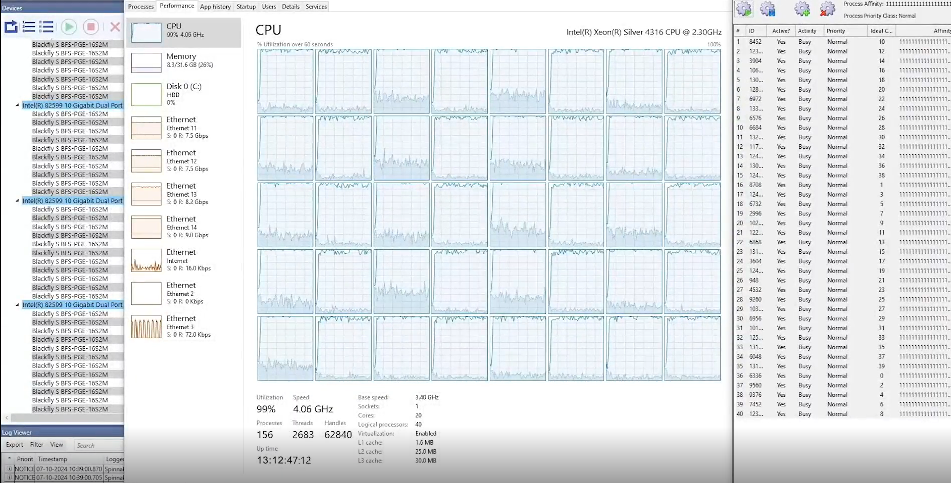
極度のストレステスト
Spinnakerは、極端なストレス条件下での厳格に評価されており、妥協のない一貫した信頼性を保証します。
パフォーマンスの最適化
内蔵のAdapterConfigツールにより、ワンクリックでシステムパフォーマンスを自動的に最適化されます。
- ステレオビューア
-
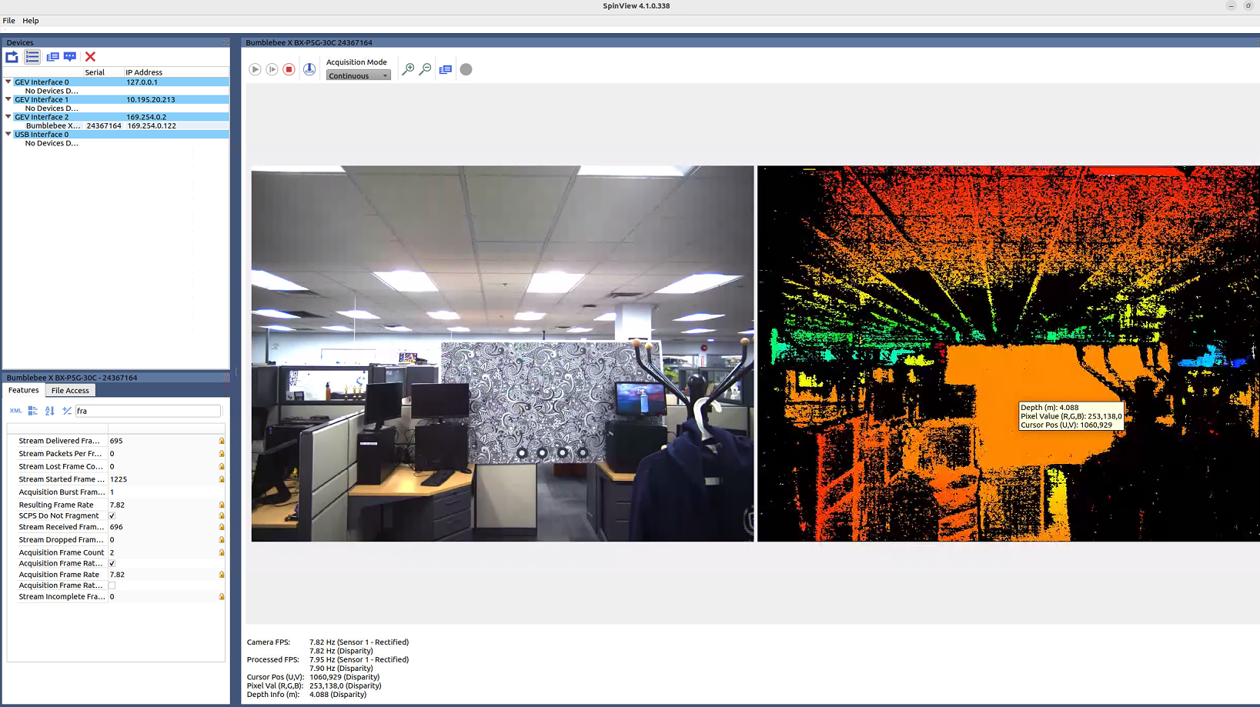
SpinView_QT に新たに追加されたステレオビューアを活用することで、深度ストリームの表示、画像の録画、カメラ設定のカスタマイズなど、様々な機能をすぐに利用できます。
今後の機能:
ARM および Windows のサポート
3D ポイントクラウドの可視化
Python/C#/C のサポート
極度のストレス下でも信頼性を維持
GigE Visionにおける数十年にわたる経験を活かし、Spinnaker 4は効果的なリソース管理とソフトウェア最適化により、エラーゼロを維持します。
複数の1GigE / 5GigE / 10GigEカメラシステムに推奨されます。
 |
|
|
LWF Driver
|
Sapera Driver |

新しいGigE Visionドライバー
CPUリソースを効率的に活用し、画像処理やその他のリソースを大量に消費するアプリケーションを強化します。

さらに多くのリソースを発見する


| Spinnaker Release Notes | Spinnaker Nodes |
| Using Spinnaker on ARM | Feature Locking in Spinnaker |
| Using Spinnaker with ROS | Distributing Spinnaker Applications |
詳細については、以下のリソースとサポートを参照してください。
Specifications
- タイプ
- Acquisition & Control SDK
- オペレーティングシステム
- Windows 10、Windows 11 / Ubuntu 20.04、Ubuntu 22.04 / MacOS Ventura (13)
- サポートされている言語
- C++、C#、C、Python
- 画像処理
- Color Conversion, Color Correction, GPU Decompression, Gamma Correction
- Compilers Supported
- Microsoft Visual Studio 2015 to 2022 (Windows)
- Camera/Frame Grabber Interface Supported
- Teledyne GigE Vision、USB Visionカメラ
- プロセッサ
- Intel/AMD, ARM64 (Linux Only) , Apple Silicon
- ハードドライブ
- Minimum 700 MB for SDK
Resources & Support



System Requirements
Which versions of Visual Studio can be used to build applications using Spinnaker, FlyCapture, or Ladybug SDKs?
詳細を見る
You must be logged in to download software or firmware. Please sign in or create an account here.
Spinnaker SDK All Versions for Download
Spinnaker SDK 4.3.0.189 for Windows 64-bit
Spinnaker SDK 4.3.0.189 for Linux Ubuntu 22.04 x64
Spinnaker SDK 4.3.0.189 for Linux Ubuntu 20.04 x64
Spinnaker SDK 4.3.0.189 for MacOS


Contact Support
Your question may be answered in one of our 300+ Knowledge Base articles. Visit our Support Center and search for your product or the topic you have a question about.
Check out our Community Forum for answers and discussion.
To submit a support ticket, visit our Technical Support Center, or call us at +1-604-242-9937 (select option 2).
To request an RMA, please complete our Return and Repair Request Form.