
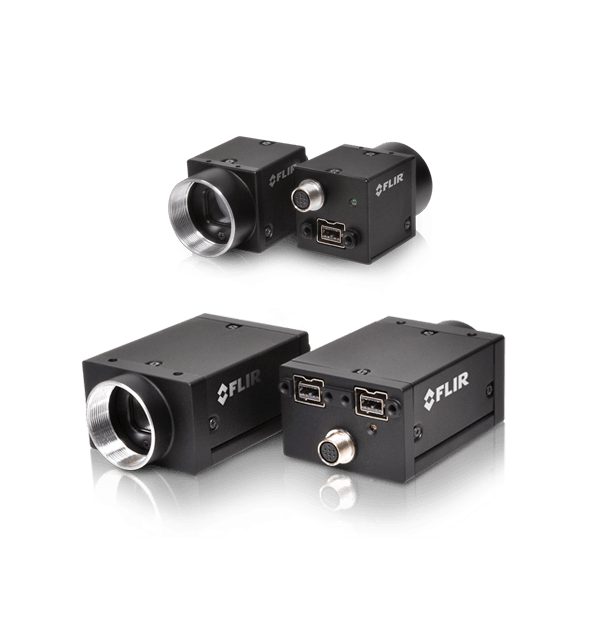
FireWire 相机(旧款)
FLIR FireWire 机器视觉相机已停产。订购这些相机和 FireWire 专用配件的截止日期为 2019年 12 月 31 日。 对于具有最新传感器和最先进功能集的FLIR相机,请参阅我们的GigE、10GigE和USB3相机。是否需要帮助寻找FireWire相机的替代品? 我们的国际销售团队随时为您提供帮助。请访问我们的“联系方式”部分。
Resources & Support


Troubleshooting
Image capture freezes with a FireWire camera after a period of successful image capture
了解详情
Troubleshooting
Performance of 1394 devices may decrease after installing Windows Vista or Windows XP SP2 or SP3
了解详情
Technical Guidance
Firewall warning popups appear if all interfaces are enabled, even if not all interfaces are in use
Read the Story
Below are assets shared by all models of this product family.
For model-specific assets, select an option in the Model Finder above.
You must be logged in to download software or firmware. Please sign in or create an account here.

FlyCapture2 SDK
Below are assets shared by all models of this product family.
For model-specific assets, select an option in the Model Finder above.

Dragonfly2 Datasheet
Flea2 FireWire Datasheet
Flea3 FireWire Datasheet
Grasshopper Datasheet
Grasshopper Express Datasheet
Grasshopper2 FireWire Datasheet

Dragonfly2 Getting Started Manual
FL3-FW Getting Started
Flea2 Getting Started Manual
GRAS Getting Started
Contact Support
Your question may be answered in one of our 300+ Knowledge Base articles. Visit our Support Center and search for your product or the topic you have a question about.
Check out our Community Forum for answers and discussion.
To submit a support ticket, visit our Technical Support Center, or call us at +1-604-242-9937 (select option 2).
To request an RMA, please complete our Return and Repair Request Form.