
The ASCOM Initiative defines a standard interface between astronomy software and devices (e.g., cameras, telescope mounts, filter wheels, domes, etc.). The Teledyne PIASCOM Driver is an ASCOM-compliant software driver that enables control of selected Teledyne scientific cameras from an ASCOM-compliant application. PIASCOM supports both a common set of controllable camera features and additional features specific to Teledyne cameras, all configurable through a Camera Setup dialog.
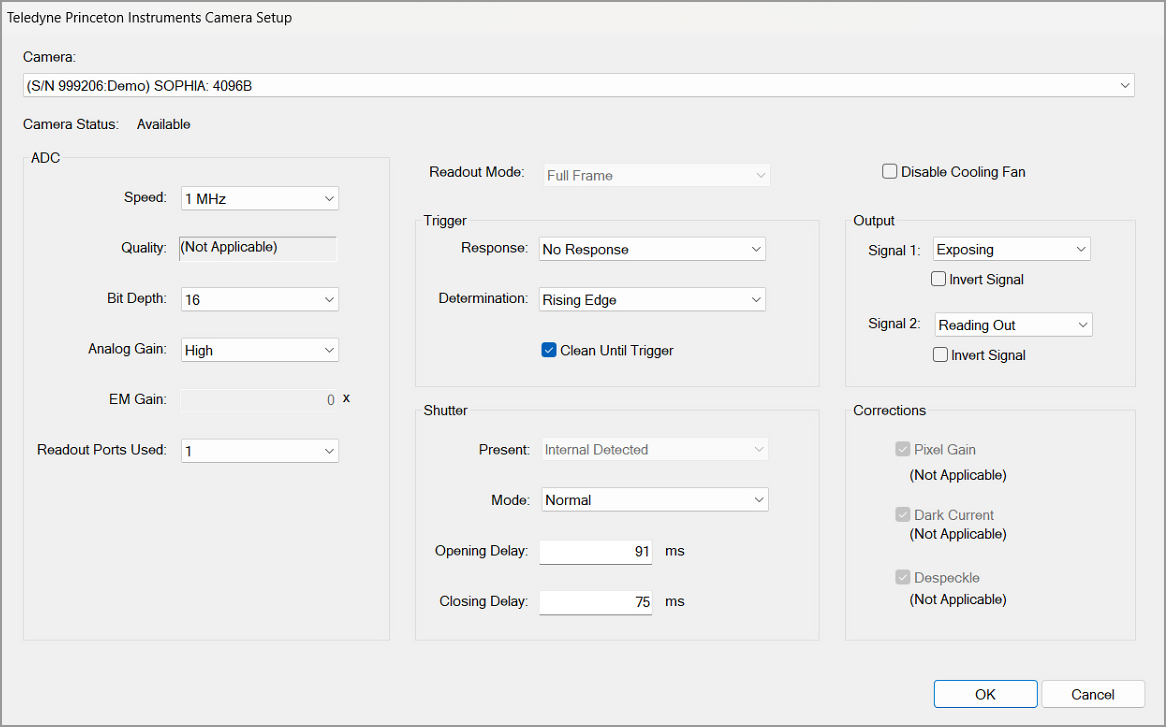
Sample Camera Setup window from ASCOM-compliant application.
Installation & System Requirements
Simply download the installer from this page and follow the step-by-step instructions. The driver is compatible with Windows operating systems and requires an ASCOM Platform installation (available at ascom-standards.org).
Compatible with ASCOM-compliant software applications
The Teledyne PIASCOM driver is fully compatible with popular astronomy software platforms like TheSky and MaxIm DL. This ensures seamless integration and control of supported Teledyne cameras within your existing imaging and observatory automation workflows. Whether you're capturing deep-sky images or managing complex sequences, PIASCOM provides reliable performance and flexibility.
Specifications
- Tipo
- ASCOM-compliant camera driver
- Sistema operativo
- Windows 10 / Windows 11
- Camera/Frame Grabber Interface Supported
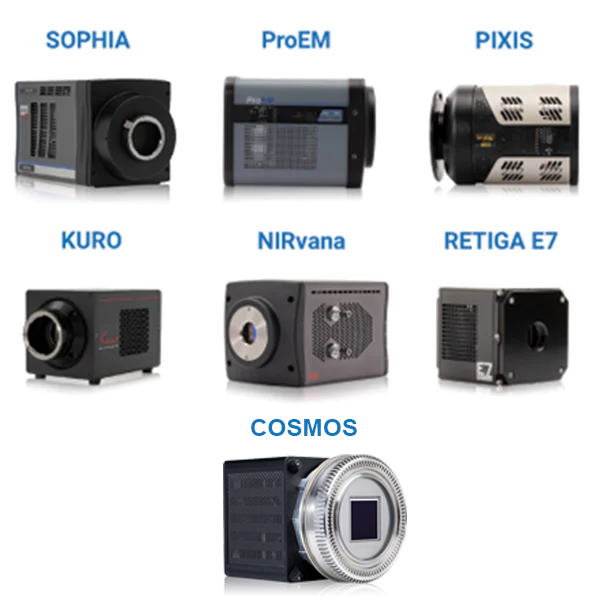
- SOPHIA, ProEM, PIXIS, KURO, NIRvana, Retiga E7
Resources & Support
You must be logged in to download software or firmware. Please sign in or create an account here.

PIASCOM software driver

ASCOM User Manual